
Tesla Software Versions and Updates
Use the Software screen to see the version installed on your Tesla and check whether an update is available for your car.
Recently observed software versions
These dates show when Teslascope first recorded each version in its tracked fleet. To check availability for your car, open Software on its touchscreen.
-
2026.38.100
-
2026.38.6.11 Bike Rack Mode FSD 15.0.1 · AI4
-
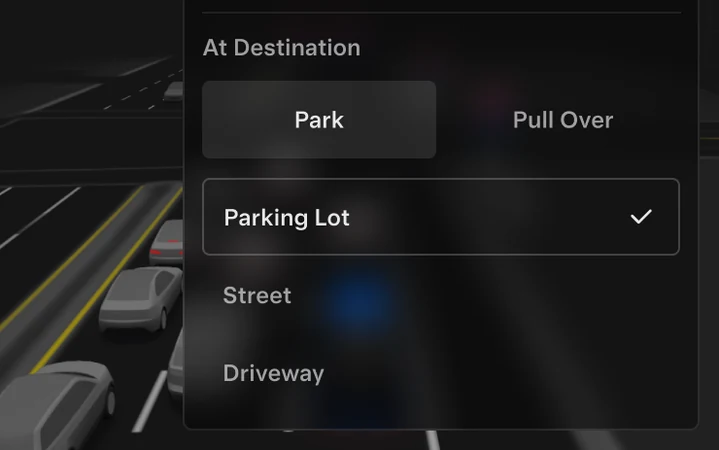 2026.44.1
Arrival Options
FSD 14.3 Lite · HW3 / 14.3.13 · AI4
-
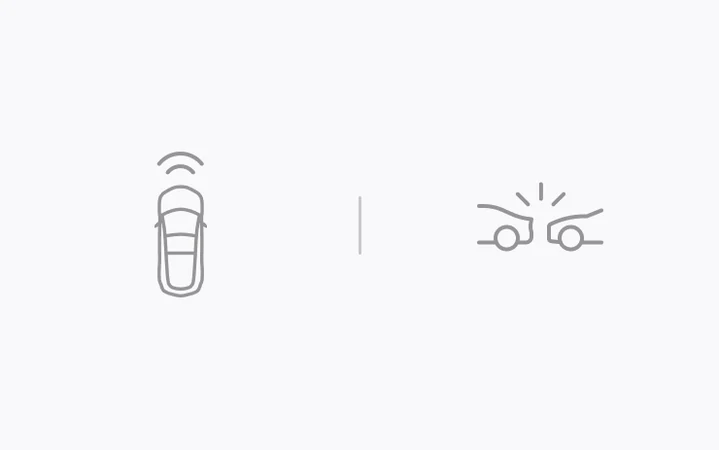 2026.38.5.13
Automatic Collision Evasion
FSD 14.3.13 · AI4
-
 2026.39.100
FSD (Supervised) Naming Update
-
2026.38.4.5 FSD (Supervised) v14.2 Lite FSD 14.2 Lite · HW3 / 14.3.13 · AI4
Firmware archive
Find the installed version
Open Controls → Software on the touchscreen. The Tesla app also shows the version below the VIN. Open Software → Release Notes to read what changed in the installed version.
Check navigation maps separately
Vehicle software and navigation maps update separately. A number such as 2026.38.3 identifies a software build. For map details, check the car’s navigation information.
Check whether an update is available
Tesla rolls out updates in stages. Timing can vary by vehicle configuration and region. The Advanced setting affects when you receive an update once Tesla makes it available to your car.
Download and install the update
Park within range of a stable Wi-Fi network and open Controls → Software. Keep the car connected while the update downloads. Follow the touchscreen prompts to install it while parked.
Updates stopped and your Tesla is offline?
Record the installed version and any update message. Note whether the Tesla app can reach the car over Wi-Fi. Share these details in your request so TSLA can assess whether remote certificate recovery applies.
Check certificate recovery options